 MD Notes
 Markdown notes that stay your files
Every note is a plain .md file in a folder you own — open it in any editor, keep it after the app is gone. Sync goes to your Google Drive or Yandex.Disk, and dictation never leaves the device.
Current version 0.2.11 · macOS · Windows · Linux · Android
What it does
-
Plain .md files
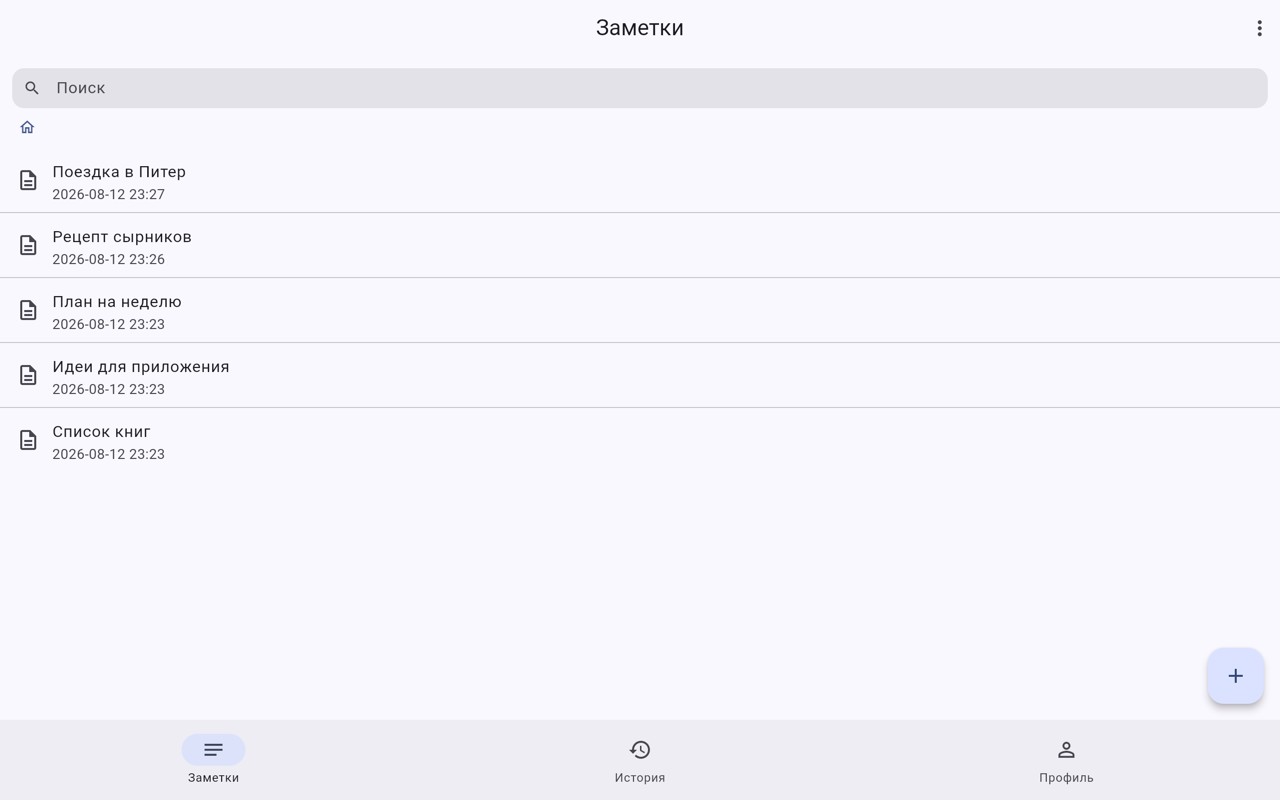
Your notes live in a folder on your disk, one file per note, with attachments beside them. Open them in any editor, keep them when the app is gone.
-
Voice, transcribed on the device
Press the microphone, speak, and the text lands where the caret is. Recognition runs inside the app — no internet, no server, no API key.
-
Your cloud, your choice
Google Drive or Yandex.Disk, one or both. The folder structure in the cloud mirrors the one on disk, so nothing is locked in a proprietary format.
-
Write, not mark up
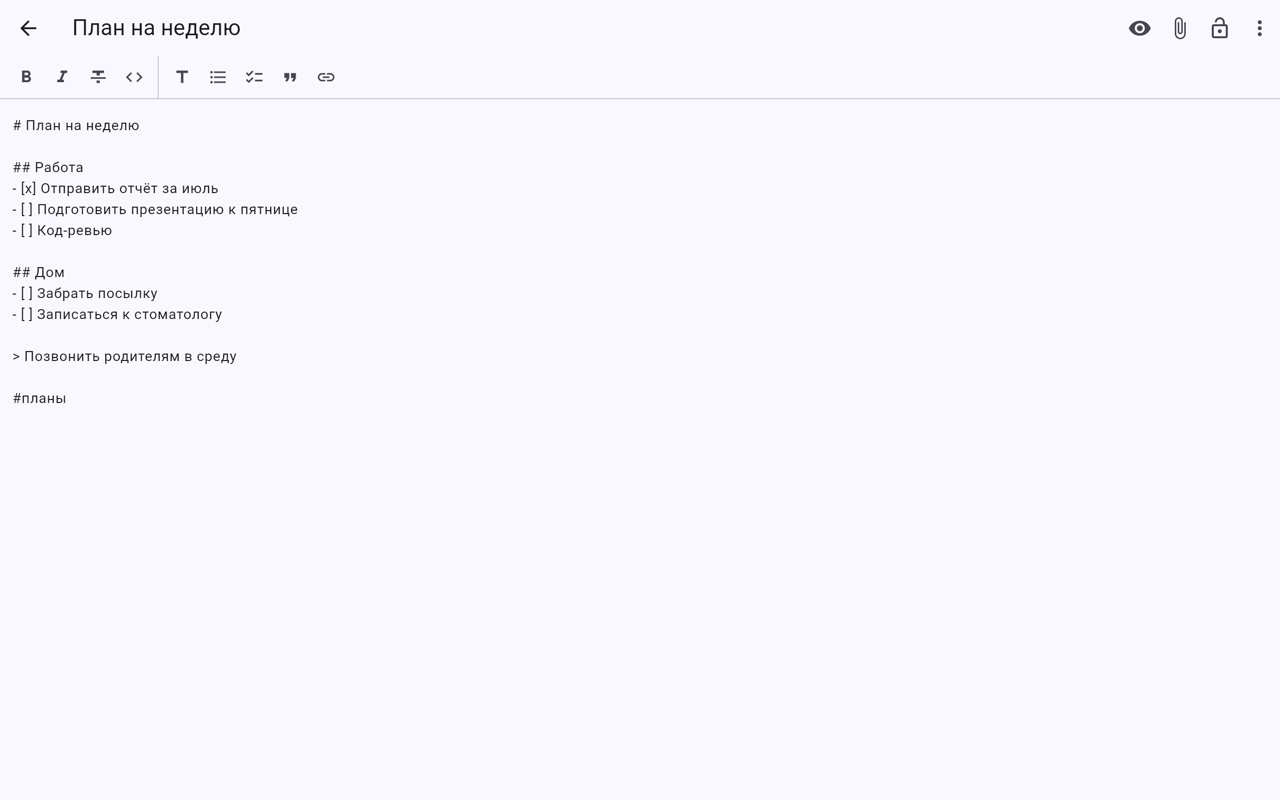
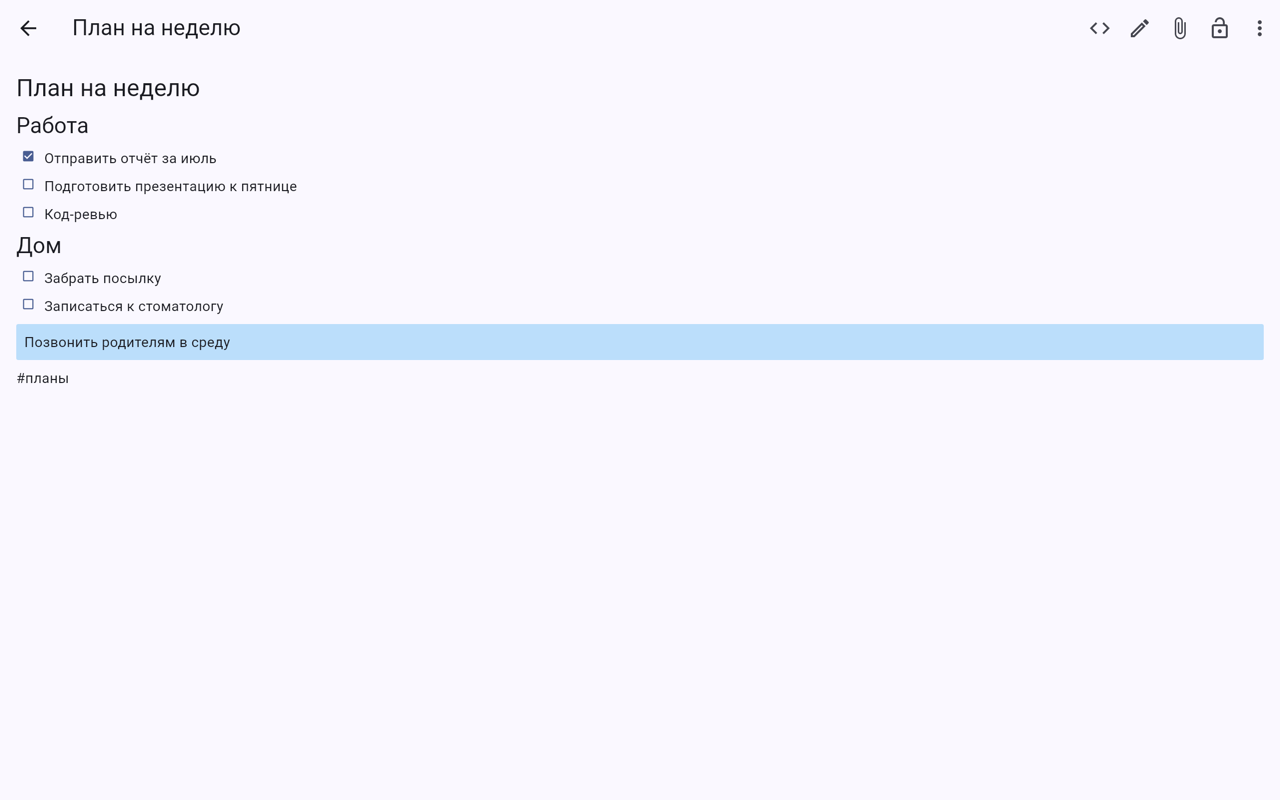
The editor shows bold as bold, not as asterisks. Switch to the raw Markdown any time — it is the same file either way.
Nothing to trust us with
There is no account to create and no server of ours to store anything. Notes stay on your disk; sync goes to a cloud you already own; dictation is transcribed by a model that ships inside the app. The parts that could leak data are simply absent.
All platforms
How it looks
Questions
Where are my notes stored?
In a folder on your device, as ordinary .md files — one per note, with attachments next to them. You can open, edit and back them up with any other tool.
Is it free? Is there a subscription?
It is free, with no subscription and no paid tier. There is no account to create either.
Does my voice go to a server?
No. Speech is transcribed by a model built into the app, on your own device. It works with the network switched off.
Does it work offline?
Fully. Reading, writing and search never need the network; syncing to a cloud is the only part that does, and it catches up later.
Which clouds are supported?
Google Drive and Yandex.Disk — either one, or both at once. You connect the account; the notes are stored in your own space.
Can I use it without installing anything?
Yes, there is a browser version. It keeps notes in the browser and syncs with the same clouds.
Give it a try
Free, no account. Your notes stay your files, whatever happens to the app.